
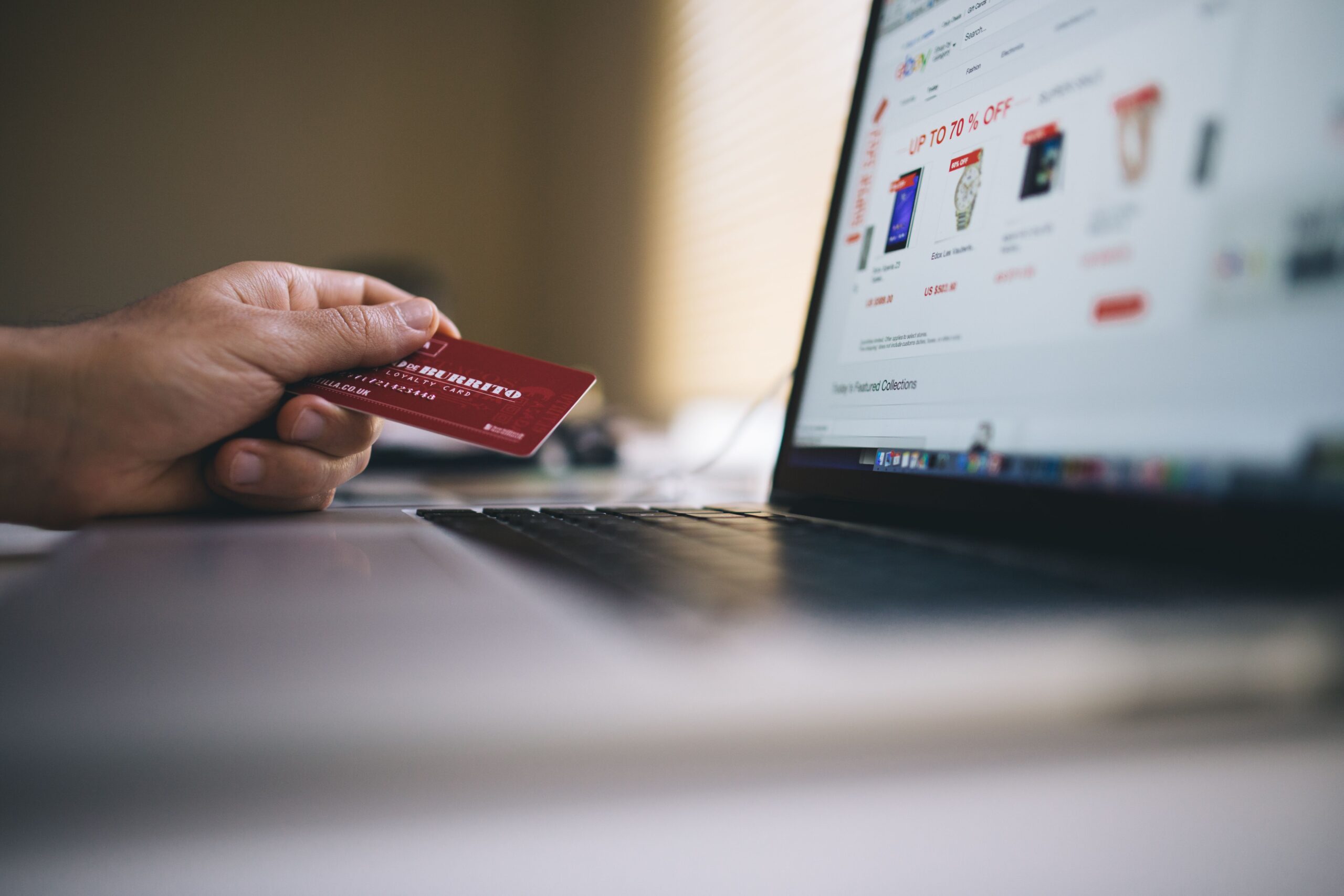
The convenience of online shopping is undeniable. A few clicks, and almost anything you need arrives at your door. But that convenience comes with risks. Credit card numbers get stolen. Fake websites mimic legitimate stores. Your personal information ends up in places it shouldn’t be.
The good news is that staying safe while shopping online isn’t complicated. It just requires a few habits that quickly become second nature.
1. Stick with Sites You Know
If you’re buying from a retailer you’ve never used before, do some homework. A quick search for the store’s name plus “reviews” or “scam” can reveal a lot. Check sites like the Better Business Bureau or Trustpilot to see what others have experienced.
Be wary of stores you’ve never heard of offering impossibly good prices. If the deal seems too good to be true, it probably is. Scammers create fake websites that look legitimate, often copying the design of real retailers. They lure you in with deep discounts, take your money, and deliver nothing .
2. Look for the Padlock
Before you enter any payment information, check the address bar. You should see a padlock icon and “https” at the beginning of the URL. The “s” stands for secure. It means your connection is encrypted and your data is protected as it travels between your browser and the site.
A padlock alone isn’t a guarantee of safety, but its absence is a warning. If the site uses “http” without the “s,” don’t enter sensitive information. For an extra layer of privacy, consider using a virtual private network (VPN) to encrypt your connection even further .
3. Use Strong Payment Methods
Credit cards offer better fraud protection than debit cards. When you pay with a credit card, the bank’s money is on the line, not yours. If a fraudulent charge appears, you can dispute it without losing access to your own funds . Debit cards are tied directly to your bank account, making recovery more complicated.
For an even safer option, consider using virtual cards or single-use payment services. Some banks generate temporary card numbers that work for a single transaction. Services like PayPal also add a layer of separation between the retailer and your financial information. These options allow you to make purchases without exposing your actual card details .
4. Keep Your Device Updated
Your device’s operating system, browser, and antivirus software all need regular updates. These updates often include security patches that fix vulnerabilities hackers might exploit . Set your devices to update automatically so you don’t have to remember.
5. Beware of Phishing Emails
Phishing emails are one of the most common ways hackers steal information. They appear to come from legitimate companies, often your bank or a retailer you use, and create a sense of urgency. “Your account has been compromised. Click here to verify your information.”
Don’t click links in suspicious emails. Instead, go directly to the retailer’s website by typing the address into your browser. If the message is legitimate, the information will be available in your account. Also, remember that legitimate companies never ask for sensitive information like passwords or credit card numbers via email .
6. Use Two-Factor Authentication
Two-factor authentication (2FA) requires a second verification step, such as a code sent to your phone or generated by an app, along with your password. This makes it much harder for someone to access your shopping accounts even if they’ve stolen your password.
If a site supports 2FA, turn it on. This is particularly important for accounts that store your payment information . When possible, use an authenticator app rather than SMS, as app-based authentication is generally more secure against phishing and SIM-swapping attacks .
7. Review Your Statements
This is one of the simplest but most effective habits. Regularly review your bank and credit card statements for unauthorized charges. The sooner you spot a suspicious transaction, the sooner you can dispute it.
Many banks allow you to set up transaction alerts. You can receive a text or email notification for every charge, allowing you to catch unauthorized use in real time .
8. Avoid Public Wi-Fi for Purchases
Public Wi-Fi networks, like those in coffee shops or airports, are often unsecured. Someone else on the same network could potentially intercept your data, including your payment information.
If you need to make a purchase while away from home, use your phone’s cellular data instead. Mobile networks are generally more secure than public Wi-Fi. If you must use public Wi-Fi, consider using a VPN to encrypt your traffic .
9. Be Selective with Saved Information
Saving your payment information on shopping sites is convenient, but it also increases your risk. If the retailer suffers a data breach, your saved card details could be exposed. Some stores offer a “one-time payment” option, which stores your information only for the current transaction. Use it when available.
Similarly, be cautious about creating accounts on every site you visit. Unless you plan to shop there frequently, it’s often safer to check out as a guest . This means the site won’t store your personal or payment information.
10. Use Strong, Unique Passwords
This is the most important step. Reusing passwords across shopping sites creates a domino effect. If one site is breached, hackers will try those credentials elsewhere. Password managers help you generate and store complex, unique passwords for every account. You only need to remember one master password.
When creating a password for a shopping account, think of a long passphrase. Make it something memorable but obscure. The length is more important than complexity. And never use the same password twice .
Trust Your Instincts
The most underrated security tool is your own judgment. If something feels off, it probably is. Trust your instincts.
Before you click “Buy,” take a moment. Does the website seem legitimate? Is the price reasonable? Did you arrive at this page through a suspicious link? A moment of caution can save you from a compromised account or a stolen credit card.
Online shopping doesn’t have to be risky. It just requires awareness.
