
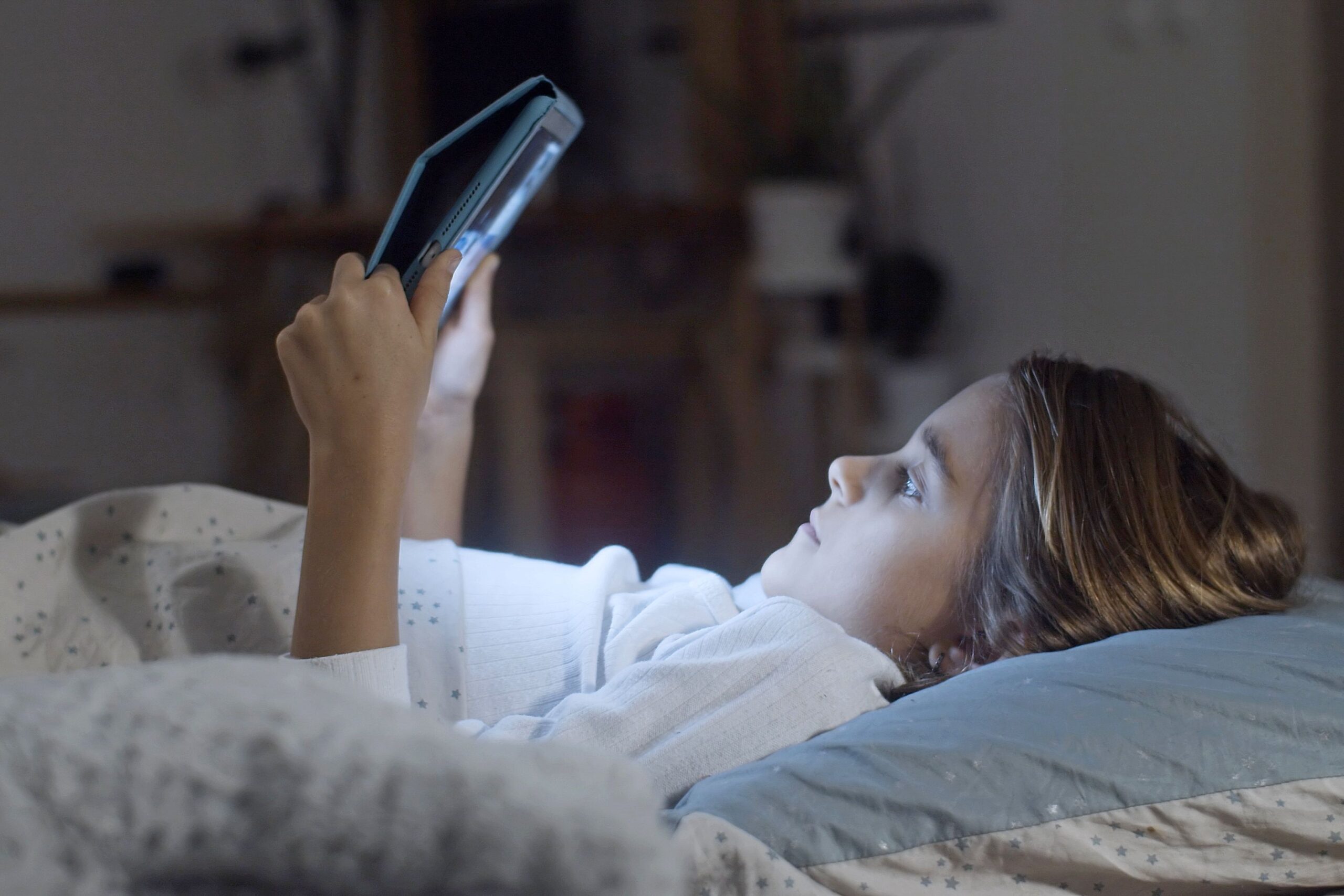
The numbers are sobering. The average person spends over seven hours a day looking at screens. For many of us, that’s more time than we spend sleeping. We’re not just using our devices. We’re living inside them.
The standard advice for reducing screen time usually involves dramatic gestures: delete all social media, buy a dumbphone, move to a cabin in the woods. That might work for some people. For the rest of us, who need screens for work, communication, and basic modern life, it’s not practical.
The goal isn’t to eliminate screens. It’s to use them intentionally. Here’s how.
The Real Problem Isn’t Screen Time
Let’s start with a distinction that matters. Screen time itself isn’t harmful. What matters is what you’re doing during that time.
An hour of focused work on a complex project is productive. An hour of scrolling through social media is passive consumption. Both count as screen time, but they affect you differently. The problem isn’t the screen. It’s the quality of attention you’re paying to it.
This distinction changes the conversation. Instead of trying to reduce all screen time, focus on reducing low-value screen time. Replace aimless scrolling with intentional use.
Know What You’re Actually Doing
You can’t fix what you don’t measure. Most phones have built-in screen time trackers. On iPhone, it’s in Settings > Screen Time. On Android, look for Digital Wellbeing. These tools show you exactly where your time goes.
The numbers can be uncomfortable. You might discover you’re spending three hours a day on social media or checking email forty times. That awareness is the first step. You can’t change a habit you haven’t noticed.
Make Your Phone Less Interesting
Your phone is designed to be addictive. Notifications, colors, sounds, and endless scrolling feeds are engineered to keep you engaged. You can fight back by making your phone less appealing.
Turn off notifications. Most notifications don’t matter. They’re designed to pull you back into apps, not to inform you of something urgent. Go through your notification settings and turn off everything except what genuinely needs your attention.
Remove social media from your home screen. If an app isn’t on your home screen, you have to search for it. That extra friction reduces impulse opens. For apps you want to use less, move them to a folder on the second or third page.
Turn off color. This sounds strange, but it works. When your phone is in grayscale, the dopamine hit from visual stimulation fades. Apps become less appealing. Scrolling feels less rewarding. On iPhone, go to Settings > Accessibility > Display & Text Size > Color Filters and turn on Grayscale. On Android, it’s under Settings > Accessibility > Color and motion.
Use screen time tools. Both iOS and Android have app limits and downtime features. Set a daily limit for social media apps. When you hit the limit, the app locks. You can override it, but that extra step makes you think about whether you actually want to use it.
The Attention Conservation Strategy
Your attention is a resource. It’s finite. Every time you check your phone, you spend a little of it. The problem isn’t just the seconds you spend looking at the screen. It’s the time it takes to get back to what you were doing before the interruption.
Research suggests it takes about 23 minutes to regain focus after a distraction . That means checking your phone for five seconds can cost you twenty minutes of productivity. The math is brutal.
Batch similar tasks. Instead of checking email throughout the day, check it two or three times at set intervals. The same goes for messaging apps. This reduces the number of context switches and preserves your focus for deeper work.
Set phone-free periods. Designate specific times when you don’t look at your phone. The first hour after waking up is a good candidate. So is the last hour before sleep. These boundaries help you build a healthier relationship with your device without constant vigilance.
Your Phone Isn’t a Distraction. It’s a Tool.
The framing matters. If you think of your phone as a source of distraction, you’ll feel guilty every time you use it. That guilt doesn’t help. It just makes you feel bad.
Instead, think of your phone as a tool you control. You decide when to use it, for what purpose, and for how long. This mental shift changes the dynamic entirely. You’re not a victim of your device. You’re its manager.
Use apps intentionally. When you open an app, know what you’re looking for. Don’t open Instagram expecting to find something interesting. Open it because you want to check a specific person’s post. The difference is subtle but significant.
Set an intention for each session. Before you unlock your phone, ask yourself: “What am I looking for?” If you can’t answer, don’t pick it up.
Reduce Context Switching
Context switching is the enemy of productive screen time. Every time you shift between tasks, you pay a mental tax. The more you switch, the less you accomplish.
Work in focused blocks. Set aside dedicated time for deep work, where you don’t check your phone, email, or messages. Even twenty minutes of uninterrupted work is more productive than an hour of fragmented attention.
Close unnecessary tabs. On both your phone and computer, close tabs you’re not actively using. Each open tab represents unfinished business. The mental clutter adds up.
Use focus modes. Both iOS and Android have focus modes that silence notifications and limit app access during specific times. Set a work focus mode. You can still access the apps you need for work, but distractions are muted.
The Physical Distance Principle
There’s a simple rule: the easier it is to reach your phone, the more you’ll use it. Distance matters.
Keep your phone out of sight. When you’re working, put your phone in another room. If that’s not possible, put it face down and out of reach. The extra step of getting up to check it makes you think twice.
Don’t sleep with your phone. Charge your phone outside the bedroom. If you use it as an alarm clock, get a traditional alarm. The first and last moments of your day shouldn’t be mediated by a screen.
Replace Passive Consumption with Active Use
The most harmful screen time is passive consumption. Scrolling, swiping, and watching without intention. Active use, where you’re creating, learning, or communicating, is different.
Choose activities that require engagement. Write notes, take photos, or use apps that genuinely enrich your life. Passive scrolling isn’t relaxing. It’s just numbing.
Delete and download. Every app is an investment. If an app doesn’t actively make your life better, remove it. This sounds extreme, but people who delete unnecessary apps are more aware of their device use and less likely to reach for it out of boredom.
Find Non-Screen Activities
You can’t reduce screen time without replacing it with something else. The alternative matters.
Read physical books. Reading on a phone isn’t the same. The contrast, the backlight, the temptation to check notifications. Physical books demand more attention and are more rewarding. Many people find they focus better and feel less distracted when reading in print.
Engage in offline hobbies. Gardening, cooking, painting, puzzles, or any activity that doesn’t require a screen. The goal isn’t to be productive offline. It’s to find pleasure in activities that don’t drain your attention.
Move your body. Exercise is one of the best alternatives to screen time. It improves mood, energy, and focus. A short walk without your phone can reset your attention and reduce the urge to check your device.
Build Better Habits
The strategies above won’t work if you try to implement them all at once. Pick one. Try it for a week. See what happens.
Start with a notification audit. Turn off everything except the essentials. Then try a morning phone-free period. Then work on batching your email checks. Each step builds on the last.
Reducing screen time isn’t about deprivation. It’s about reclaiming your attention and directing it toward what matters. Your screen will always be there. The question is whether you’re using it, or it’s using you.
