
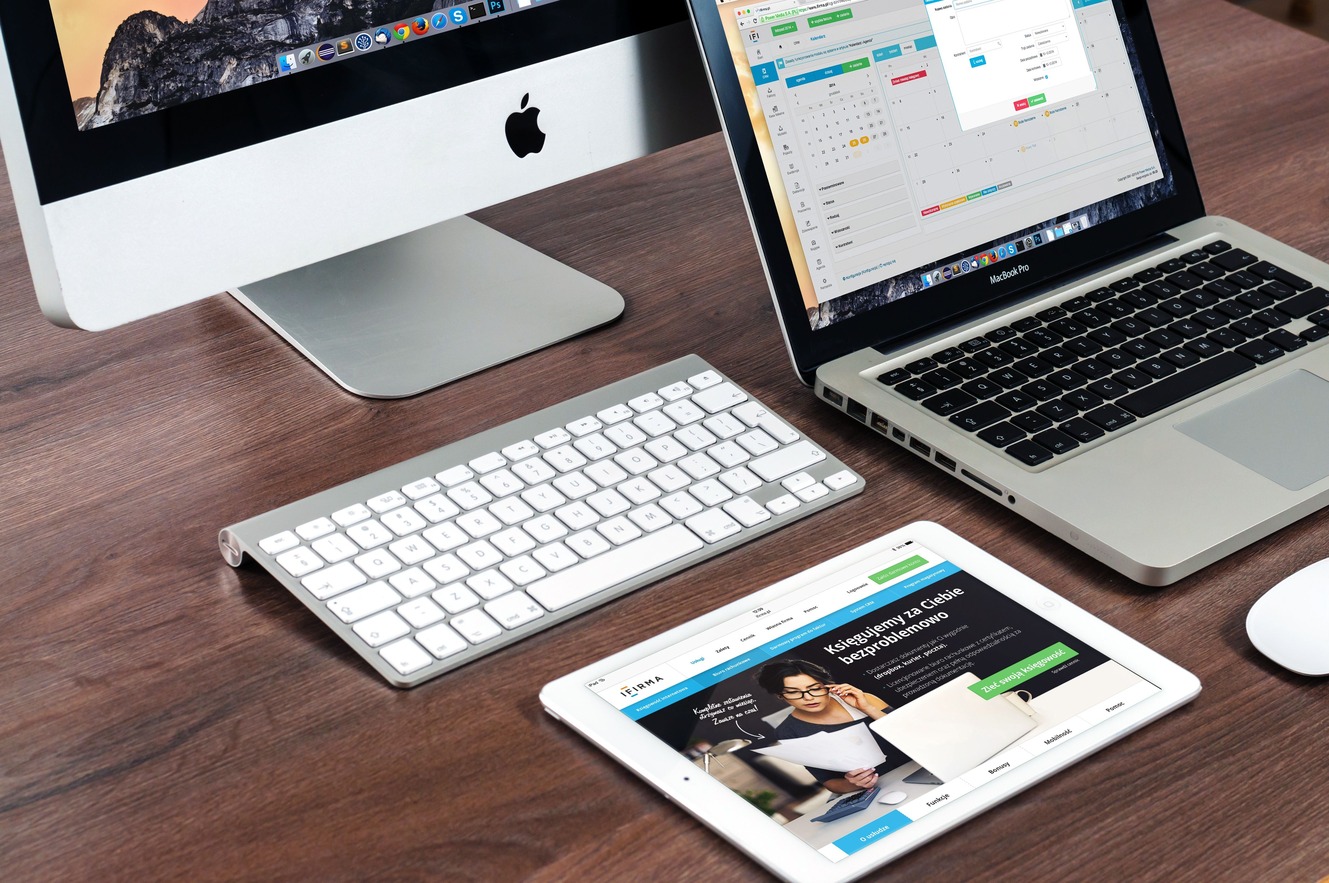
For decades, the question has persisted. Walk into any coffee shop, any office, any dorm room. You’ll see both. And the debate never gets old.
The quick answer is frustratingly simple: it depends. But that doesn’t help anyone making a purchasing decision or considering a switch. Let’s break down what each platform actually offers, where they genuinely shine, and where they fall short.
The Hardware Question
This is where the paths diverge most dramatically .
Windows offers choice. The ecosystem is vast. You can spend $300 on a basic laptop or $3,000 on a gaming desktop with components you chose yourself. You can upgrade individual parts over time. Swap the RAM. Replace the storage. Change the graphics card. The flexibility is unmatched .
Apple takes the opposite approach. There are fewer models. Upgrades are limited. Many components are soldered in place, making replacement difficult or impossible. The starting price for a MacBook Air hovers around $1,000, and you can easily spend much more .
The trade-off is quality. Apple controls the entire experience. The hardware and software were designed together. The build quality tends to be excellent, and the integration is seamless . You pay a premium for that cohesion. Microsoft has to support thousands of hardware configurations, which inevitably introduces complexity .
Software Compatibility
Windows is the default for many business applications. That custom software your company uses? It’s probably Windows-only . The same goes for older programs. Windows maintains impressive backward compatibility. Software written decades ago can often still run .
Macs have long dominated creative fields, from graphic design to video editing . Tools like Final Cut Pro and Logic Pro are exclusive to macOS. Adobe’s creative suite runs well on both, though some users feel it feels more polished on a Mac . Professional photo and video editing often feels smoother, benefiting from hardware acceleration .
The real gap is gaming. Windows wins decisively. It’s not close. The library of games is vastly larger. Hardware support is better. Developers prioritize Windows because that’s where the players are .
User Experience and Stability
This is where personal preference takes center stage.
Some find Windows frustratingly busy. The settings are buried in menus. System alerts and update prompts interrupt work. The interface can feel inconsistent, a legacy of supporting decades of hardware and software .
macOS offers a calmer experience. The interface stays consistent across apps. System updates run quietly in the background. The menu bar remains unchanged, which keeps core controls predictable . It’s designed to stay out of your way .
However, Macs aren’t perfect out of the box. Window management, for example, works better on Windows. Snap Layouts let you arrange windows quickly and intuitively . MacOS has copied some of these features but still lags behind in functionality . Some macOS users rely on third-party tools to improve window management .
Performance and Efficiency
Apple Silicon changed the game. Modern MacBooks with M-series chips are fast and efficient. They deliver consistent performance even when unplugged. Battery life is excellent. Devices run cool and quiet .
Windows laptops vary. High-end models can match Mac performance, but they often throttle when unplugged. Fans spin up under load. Battery life is generally shorter .
Reports suggest Macs crash less often. One study found Windows devices shut down three times more often than Macs, while Windows programs froze 7.5 times more frequently . Macs also tend to last longer before replacement .
Security and Privacy
Macs have historically been considered more secure, due in part to their smaller market share making them less attractive targets . Apple’s tight control over software also reduces unwanted applications . However, the security gap has narrowed significantly in recent years.
The Ecosystem Factor
If you own an iPhone or iPad, a Mac makes sense. The integration is seamless. Messages sync. Files transfer easily. You can answer phone calls from your computer .
Windows offers connectivity with Android devices, though the experience isn’t quite as polished . It does, however, provide better support for a wider range of peripherals and hardware .
The AI Integration Question
Both companies are investing heavily in AI. Apple is putting AI front and center in its latest macOS updates, adding intelligence features across its apps . Microsoft appears to be taking a different approach: fixing core Windows annoyances first, then layering on AI features .
Which strategy works better likely depends on your priorities. Some users prefer practical improvements over shiny new features.
Making the Choice
For creative professionals who value efficiency, stability, and battery life, macOS is a compelling choice .
For gamers, tinkerers, budget-conscious buyers, or anyone who needs a custom configuration, Windows remains the clear winner .
And if you’re somewhere in the middle? The good news is, neither is a bad choice. They’re just different ways of solving the same problem.
