
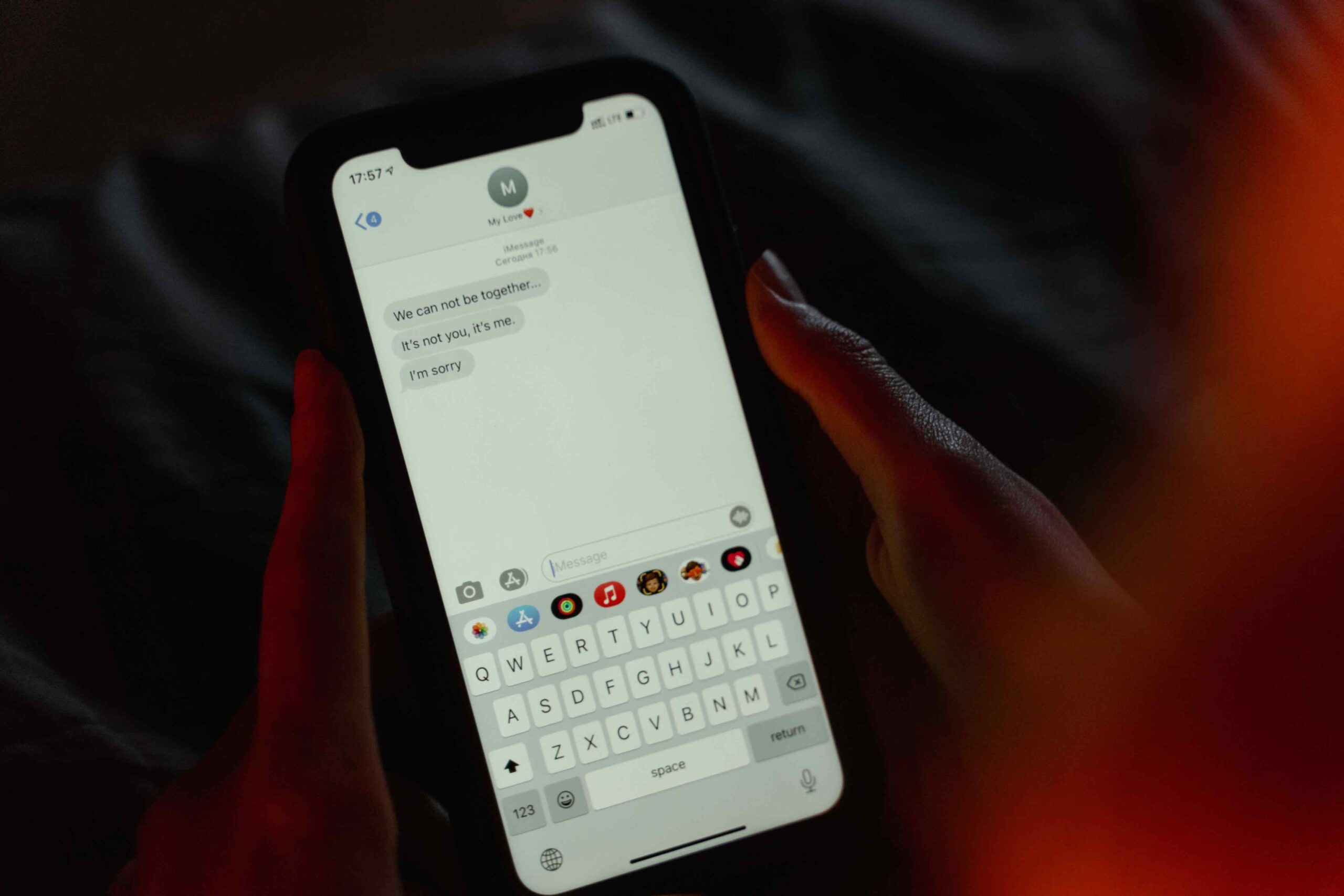
The panic is immediate. You swiped wrong, confirmed too quickly, or trusted a “cleaner” app that was anything but. A photo from years ago, a message containing crucial information, a contact you needed for an important call—gone.
It’s a sickening feeling. But here’s the first thing to understand: in most cases, it’s a temporary panic. Once the initial dread subsides, there’s a good chance of recovery if you act swiftly.
The Most Common Mistake People Make
Your device is trying to help you. When you delete a file, the operating system doesn’t physically erase it from the storage chip. It does something simpler: it marks the space that file occupies as “available” for new data . The file itself, the photo or message data, remains intact until your phone needs that space for something new. It’s like a library marking a book as “checked out” while it’s still on the shelf.
This is why the first step after accidental deletion is crucial: stop using your phone. Avoid taking new photos, downloading files, or installing apps. Every new file you create risks overwriting the exact space where your deleted data still lives, making recovery impossible . The sooner you act, the higher your chance of success.
The First Line of Defense: The Recycle Bin or Recently Deleted Folder
Before you do anything else, check the bin. Both Android and iOS maintain a temporary holding area for deleted items, giving you a safety net before they vanish for good .
Photos and Videos
On Android, open the Google Photos app. Tap the menu icon (usually three lines) and select Trash or Bin . On an iPhone, open the Photos app and scroll down to the Recently Deleted album .
You’ll find your deleted media here. The catch is the time limit: they typically stay for 30 days before being automatically purged . Google Photos gives you 60 days for backed-up items . Tap the ones you want, hit “Restore,” and they’ll reappear in your main library.
Deleted Contacts
Many Android phones have their own trash for contacts. Open the Contacts app, tap the three dots in the top right, and look for Settings > Manage Contacts > Recently Deleted . On iPhone, contacts are recovered through iCloud (more on that below).
Restoring Messages
iPhones have a hidden folder for recently deleted messages. Open the Messages app, tap Edit in the top-left corner, and select Show Recently Deleted . You can then recover conversations and their attachments.
Cloud Backups: Your Most Powerful Tool
If the bin is empty or the time window has passed, your next stop is the cloud. This is the most effective way to recover permanently deleted data.
Recovering Photos and Videos
If you use Google Photos’ “Backup and Sync” feature, your images and videos are stored in the cloud. Even after they’re gone from your phone, they might still be in your Google Photos Trash online .
Recovering Contacts
For Android users, all your contacts synced with your Google account are saved at contacts.google.com. If they’ve been deleted within the last 30 days, they’ll be in the Trash folder on this website. Select them and click “Recover” . For iPhone users, head to icloud.com. Go to Account Settings, scroll down to Advanced, and click Restore Contacts. iCloud automatically keeps a list of previous archive versions you can restore from . This method will replace your current contacts with the older version, so ensure you’re not losing new data in the process .
Recovering Messages
Android users who have used the Google One backup service can restore messages, but be warned: this usually requires a factory reset of the device to perform the restore . For iPhone users, messages are part of iCloud backups. Restoring them also requires erasing your phone and restoring from an iCloud or iTunes/Finder backup made before the deletion occurred .
Third-Party Recovery Tools
When built-in methods fail, specialized recovery software can be the answer. These tools work by performing deep scans of your device’s storage for those hidden data fragments that haven’t been overwritten .
- Android: Dr.Fone is a well-known option that supports over 6,000 Android devices . The good news is that modern tools, including Dr.Fone, can recover common file types like photos and videos without needing root access . Rooting your phone can void your warranty and introduce security risks, so this is a significant advantage. For WhatsApp messages specifically, Android’s “Notification Log” widget, an in-built feature, can sometimes display the content of deleted messages .
- iPhone: Options like PhoneRescue and Dr.Fone can scan your iPhone to recover lost data even without a backup . Many of these tools for iOS connect your phone to a computer and allow you to preview recoverable files before paying for the full restore .
Restoring from a Broken Phone
If you can’t see the screen but the data is intact, recovery is still possible . If your screen is broken, you can use an OTG (USB On-The-Go) adapter to connect a mouse and keyboard to your Android phone. This lets you unlock the phone, navigate the interface, and back up your data. For Samsung users, if the phone’s screen is dead but it’s been registered with SmartThings Find, you can unlock it remotely and back up data via Samsung Smart Switch .
The Most Reliable Method: Prevention
All the methods above are forms of rescue. The most reliable strategy is prevention. Activate Google Photos backup, iCloud backup, and Google Contacts sync. These services provide the safety net that makes panic a thing of the past.
